Make the choice understandable
Organise titles, descriptions, categories, images and options around the questions a customer asks. An option should communicate an actual buying difference, rather than duplicate an internal label.

STORE / PRODUCT MODEL
Give customers a clear choice while preserving the identity your operation needs. A product describes what you sell; its variants identify the options that can be priced, ordered and stocked.
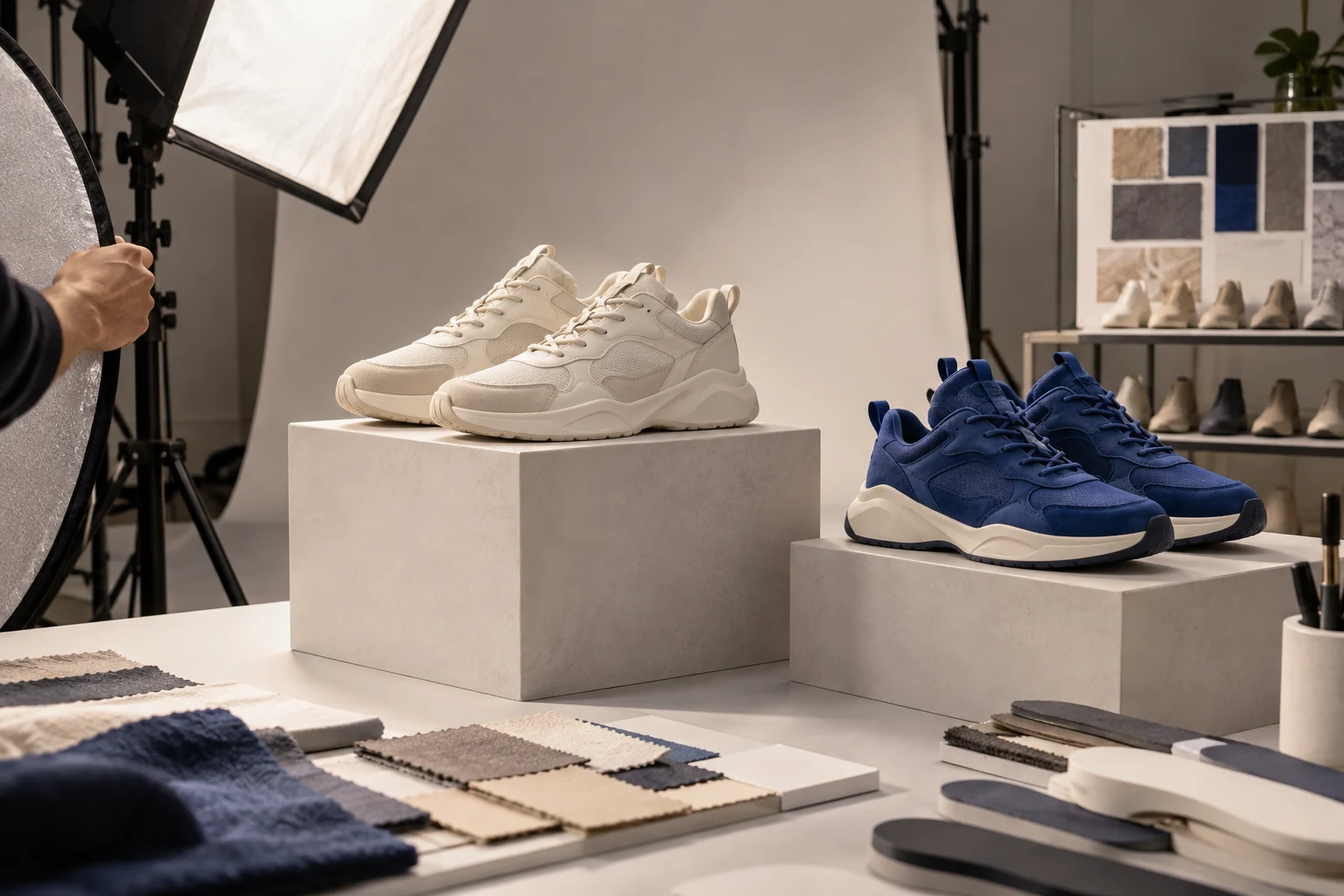
BUILT AROUND THE WORK
Organise titles, descriptions, categories, images and options around the questions a customer asks. An option should communicate an actual buying difference, rather than duplicate an internal label.
Carry the selected variant through the basket and order item. Product name, option values and SKU help the team distinguish the exact item that must be prepared or supported.
An attractive product page still needs an availability decision. Inspect the relevant variant and location context rather than assuming the existence of a catalogue entry means it can be fulfilled.
THE DETAIL IN BUSINESS CONTEXT
Good merchandising starts before the first click. Product names, options, images, availability and the next action need to agree. Review the storefront and the order it creates as one journey.
Each option needs an identifiable variant. Keep the item selected by the customer attached to the resulting order item.
Review customer information, delivery, the configured payment path and confirmation. A completed page design is only one part of launch readiness.
INSPECT THE RECORDS AND DECISIONS
Review the product definition and the exact option being sold. Keep the identifier useful to the customer, staff and technical integration.
Operating concepts to inspect in your setup; this is not a wire-format schema. Exact API fields belong in the source-derived reference.
Make the buying difference understandable and check that the selected identity reaches the order item.
Review the latest stock context and the configured promise before confirming fulfillment.
CLOSER TO THE PRODUCT
Actual views supplied from Agora. Open each capture to inspect the controls and context. These views are separate from the interactive examples and their illustrative data.
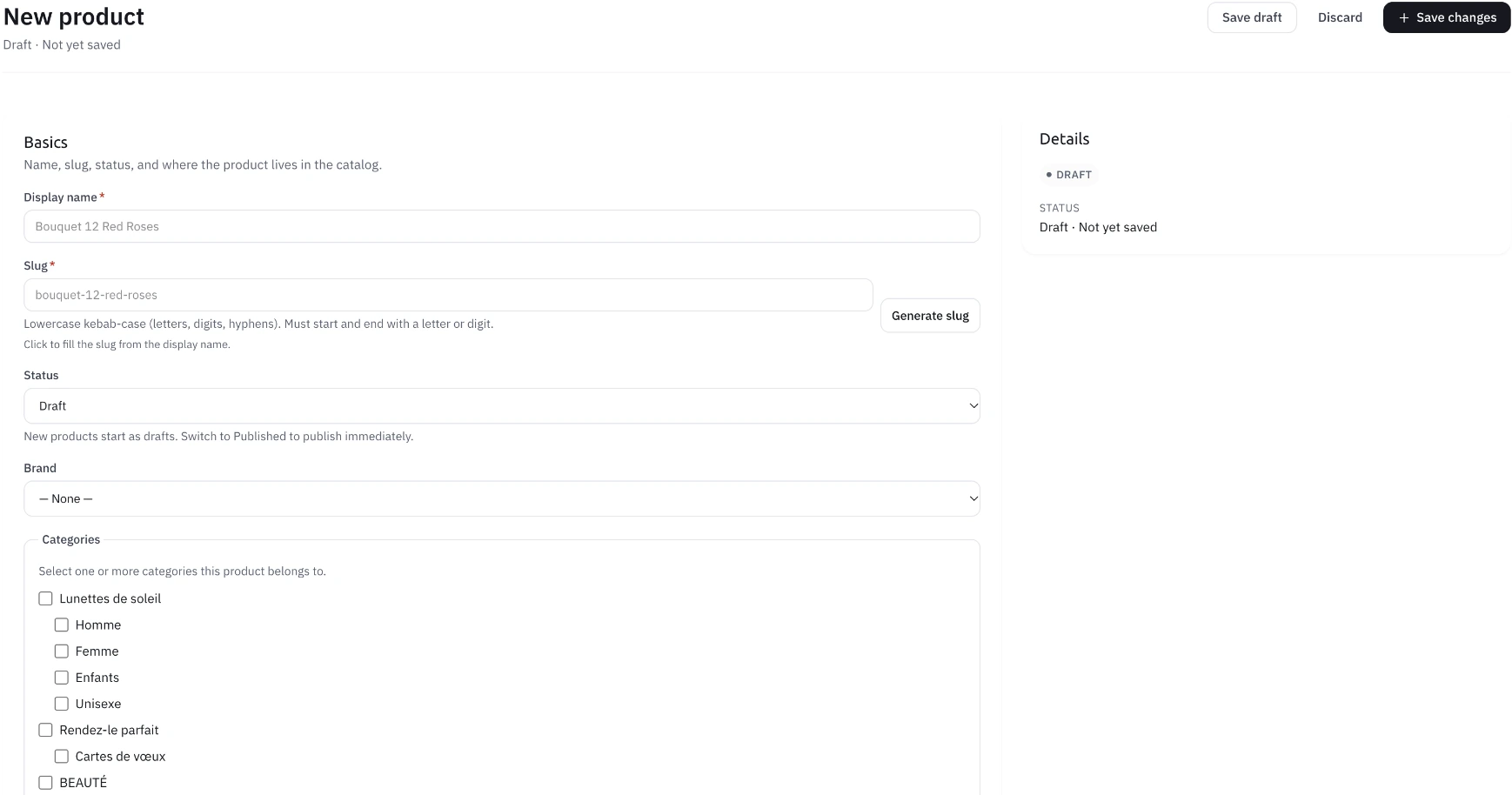
PRODUCT SETUP
The supplied product form brings display name, slug, draft status, brand and category selection together.
CATEGORY LOCALES
Parent-category and translation fields appear together in this supplied creation view. The interface notes that tree rendering is a later addition.
PRODUCT CHOICE / SAMPLE RECORDS
Choose an illustrative variant and follow the item reference into the order context. This is a local example, separate from the supplied interface captures.
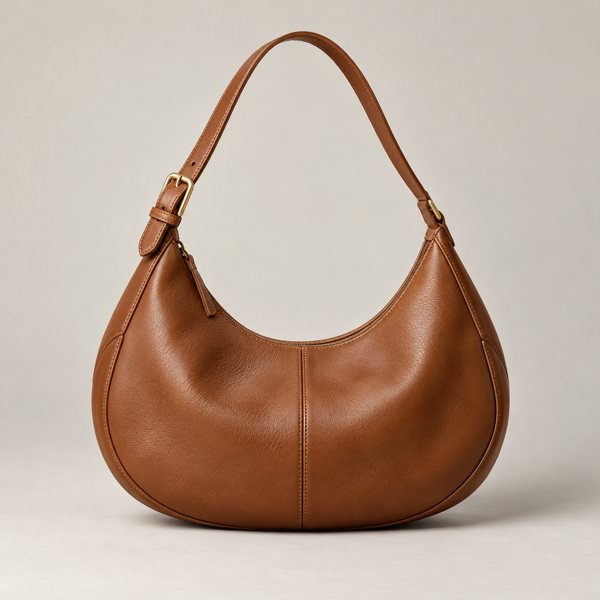
The product, selected option, quantity and accepted price need to remain intelligible to the team preparing the order.
FOLLOW THE PROCESS
Prepare names, product facts, images and a useful collection structure.
Inspect variant identity, option values, SKU and the applicable price.
Check that the shopper’s choice remains clear through stock and fulfillment.
Operating walkthrough · Review the exact configuration for your business.
A CLEARER PICTURE
No. A product and variant describe the item; stock also needs location and quantity context.
Long names, option selection, unavailable choices and the exact item that appears in the resulting order.
BUILD WITH AGORA
Bring your business, your ambition and the questions that matter. Let’s explore what you can build with Agora.